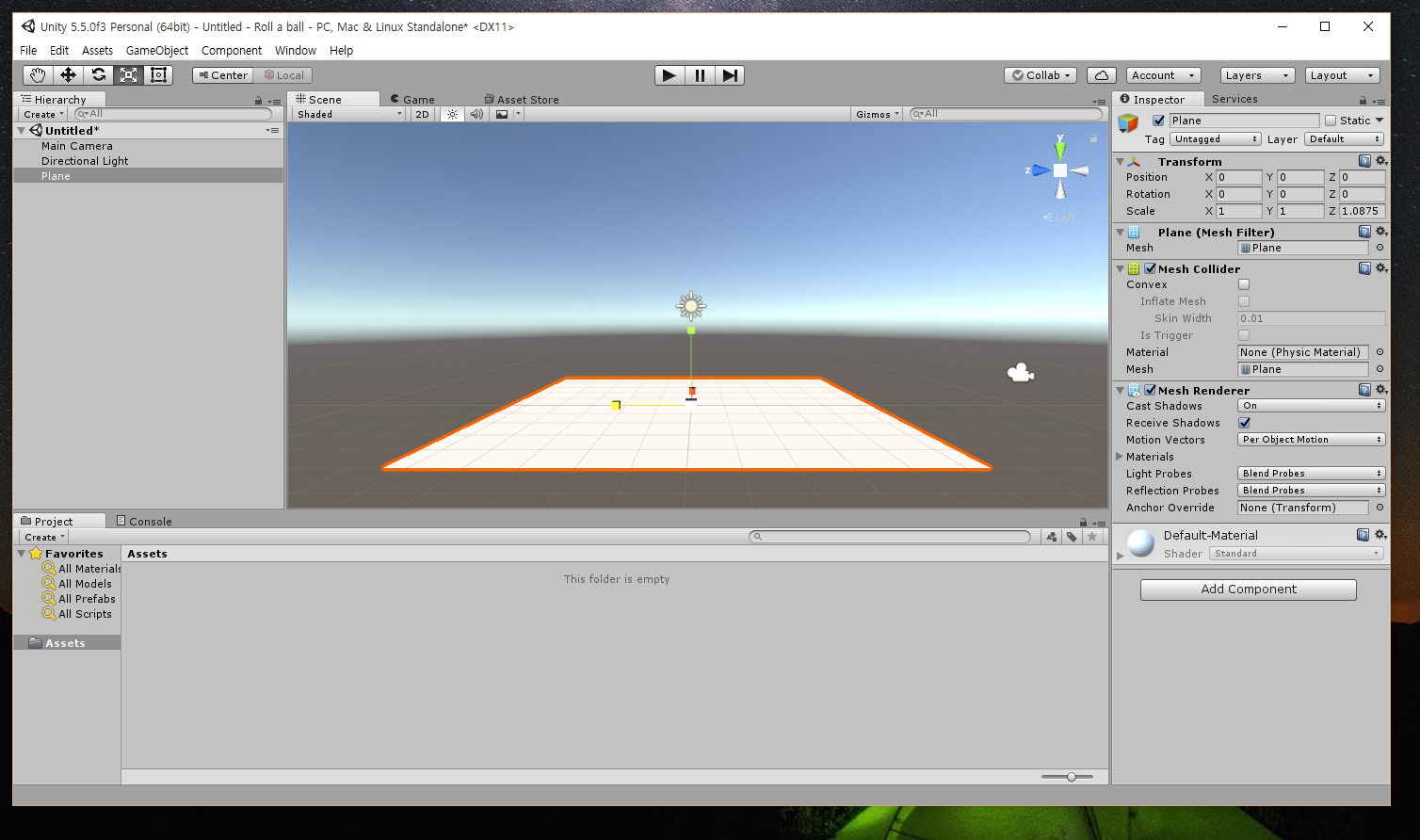
I'll explain about it
using System.Collections;
using System.Collections.Generic;
using UnityEngine;
public class PlayerController : MonoBehaviour {
private Rigidbody rb;
//Declare instance of Rigidbody
void Start () {
rb = GetComponent<Rigidbody>();
}
void Update()
{
float moveHorizontal = Input.GetAxis("Horizontal");
float moveVertical = Input.GetAxis("Vertical");
//Declare variable that record input from the axises
Vector3 movement = new Vector3(moveHorizontal, 0.0f, moveVertical);
rb.AddForce(movement);
//Execute function for addition force
}
}
First
using System.Collections;
using System.Collections.Generic;
using UnityEngine;
These codes mean using each namespace.
The namespace is set of data structures like class, interface, struct and etc ... so we can use data structures which is included each namespace by calling each namespace.
But it is not very important factor at writing basically unity script because it's automatically generated when create 'new script'
Second
using System.Collections.Generic;
using UnityEngine;
These codes mean using each namespace.
The namespace is set of data structures like class, interface, struct and etc ... so we can use data structures which is included each namespace by calling each namespace.
But it is not very important factor at writing basically unity script because it's automatically generated when create 'new script'
Second
public class PlayerController : MonoBehaviour { … }
This code means, you know, define class 'PlayerController' which inherit class 'MonoBehaviour'
obviously this code is also automatically generated
Third
private Rigidbody rb;
It's a code to generate instance
The instance is ... a kind of logical object in programming defined by class
so ... to explain figuratively ... class is document form and instance is document which used form.
In this case, declare instance 'rb' which is formed by class 'Rigidbody' (and the 'Rigidbody' is defined in namespace 'UnityEngine')
Fourth
void Start () { … }
void Update() { … }
Although It is also automatically generated , it is very important factor of script.
These arrange execution timing of your code
there is some function about execution timing
initiation methods ( called when script is initialized ) :
Start() - is only called if the script instance is enabled
Awake() - is called before any initiation method
Update methods ( called repeatedly during running script)
Update() - is called each frame
FixedUpdate() - is called fixed framerate frame
LateUpdate() - is called after all update functions have been called
Fifth
float moveHorizontal = Input.GetAxis("Horizontal");
float moveVertical = Input.GetAxis("Vertical");
This code declare variable that record input from the each axis
GetAxis("Horizontal") get data by left·right key on keyboard or joystick
GetAxis("Vertical") get data by up·down key on keyboard or joystick
Sixth
Vector3 movement = new Vector3(moveHorizontal, 0.0f, moveVertical);
rb.AddForce(movement);
This code also declare instance 'movement' by class 'Vector3'
The class 'Vector3' is just set of three variables like { x , y , z } .
In a same case 'Vector2' is set of two variables and 'Vector4' is set of four variables
and add force to rb !
there is four kind of ForceMode(default is Force), you know F=ma , isn't it?
Force - is F in F=ma , add continuous force to the rigidbody, using its mass
Acceleration - is a in F=ma , add continuous acclertion to the rigidbody, ignoring its mass
Impulse - is also F , but it add 'instant' force impulse to the rigidbody
VelocityChange - is just change rigidbody's velocity
float moveVertical = Input.GetAxis("Vertical");
This code declare variable that record input from the each axis
GetAxis("Horizontal") get data by left·right key on keyboard or joystick
GetAxis("Vertical") get data by up·down key on keyboard or joystick
Sixth
Vector3 movement = new Vector3(moveHorizontal, 0.0f, moveVertical);
rb.AddForce(movement);
This code also declare instance 'movement' by class 'Vector3'
The class 'Vector3' is just set of three variables like { x , y , z } .
In a same case 'Vector2' is set of two variables and 'Vector4' is set of four variables
and add force to rb !
there is four kind of ForceMode(default is Force), you know F=ma , isn't it?
Force - is F in F=ma , add continuous force to the rigidbody, using its mass
Acceleration - is a in F=ma , add continuous acclertion to the rigidbody, ignoring its mass
Impulse - is also F , but it add 'instant' force impulse to the rigidbody
VelocityChange - is just change rigidbody's velocity